Register & sign in
Create an account
- Open hipmmai.com.
- On the sign-in dialog, choose Register.
- Enter your name, email and a password (at least 8 characters, with upper/lower case and a digit).
- Submit — you're signed in immediately. Your session is kept in a secure cookie, so you stay logged in on this device.
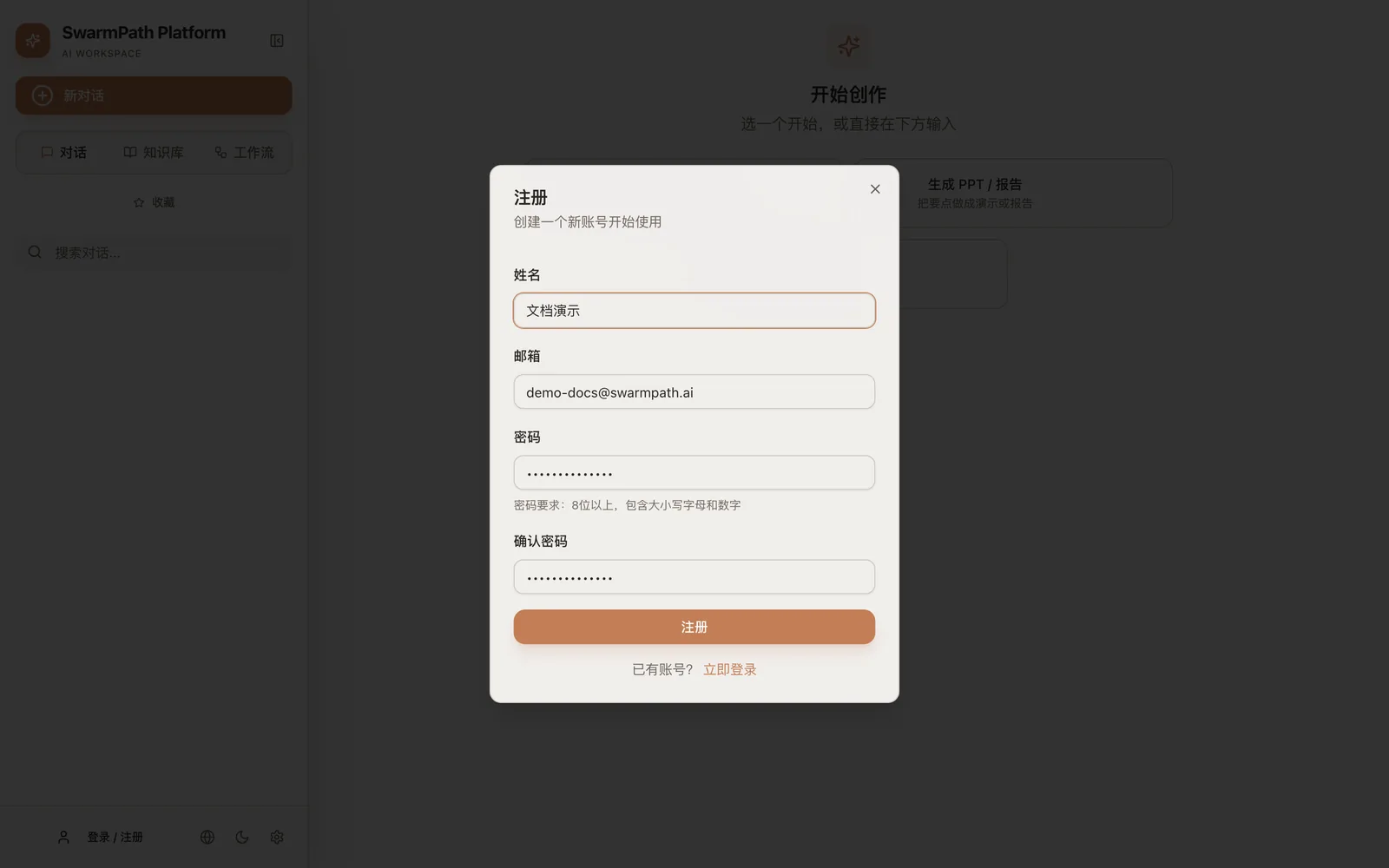 The register dialog (shown in Chinese) — fill it in and submit
If registration is disabled on a private deployment, the button won't appear — ask your administrator for an invite.
What you get by default
New accounts are usable without any configuration:
- A default chat model is already open — you can start chatting right away, and switch models later from the chat panel.
- The knowledge base just works. The three retrieval models a knowledge base needs — embedding, rerank, and contextual — run on the platform's global defaults. You don't add them, and you don't need your own keys for them. (They're shared platform infrastructure; see Model channels for why they're not per-user.)
- You can create projects, upload documents, and ask grounded questions on day one.
You only need to add your own model channels if you want to use a specific provider or your own API key for the chat model — see Model channels.
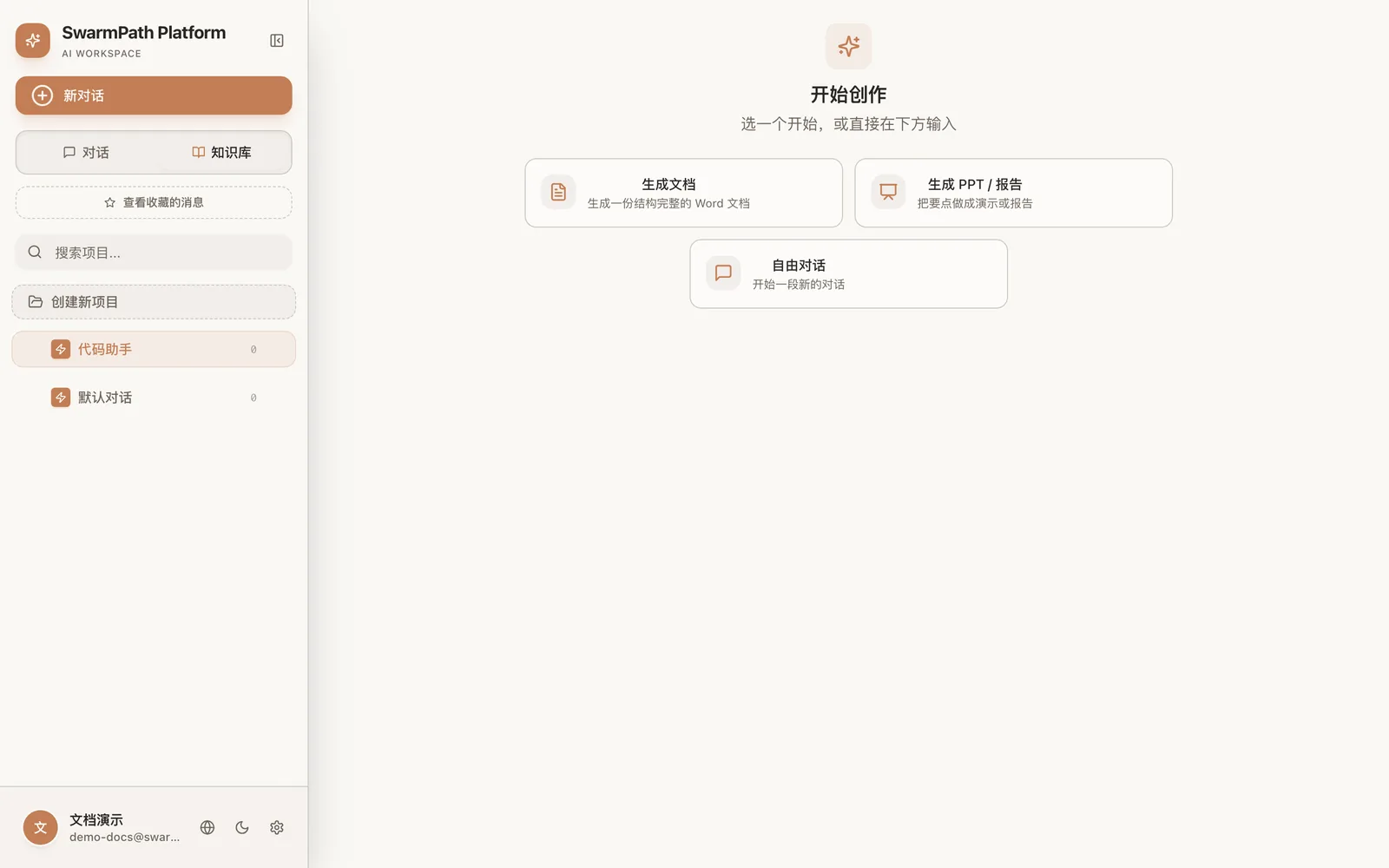 The home screen after sign-in: chats / knowledge base / workflows on the left, quick actions in the center
Default limits
A standard account comes with sensible quotas (a private deployment may set different values):
| Limit | Default |
|---|---|
| Projects | 5 per user |
| Documents | 100 per project |
| Vectors | 100,000 total |
| Chat attachment | 10 MB |
| Knowledge-base upload | 100 MB per file |
Next
- 5-minute quickstart — go from zero to a generated document.
- Model channels — add your own providers (optional).