学习中心/自研产品/HiPMMCode/五分钟装上 HiPMMCode
· HiPMMCode
五分钟装上 HiPMMCode
macOS / Windows / Linux 的安装方式,以及装完第一件事该敲什么。
先拿包
去下载中心拿和你系统对应的安装包。macOS 安装包已用 Developer ID 签名。Windows 和 Linux 目前没有签名,SmartScreen 可能会拦一下,用 SHA-256 对一下就行。
也可以用命令
curl -fsSL https://github.com/HiPMMAI/hipmmcode/releases/latest/download/install.sh | bashnpm install -g @hipmmai/hipmmcode@latestbrew tap hipmmai/hipmmcode && brew install hipmmcode
装完敲这三行
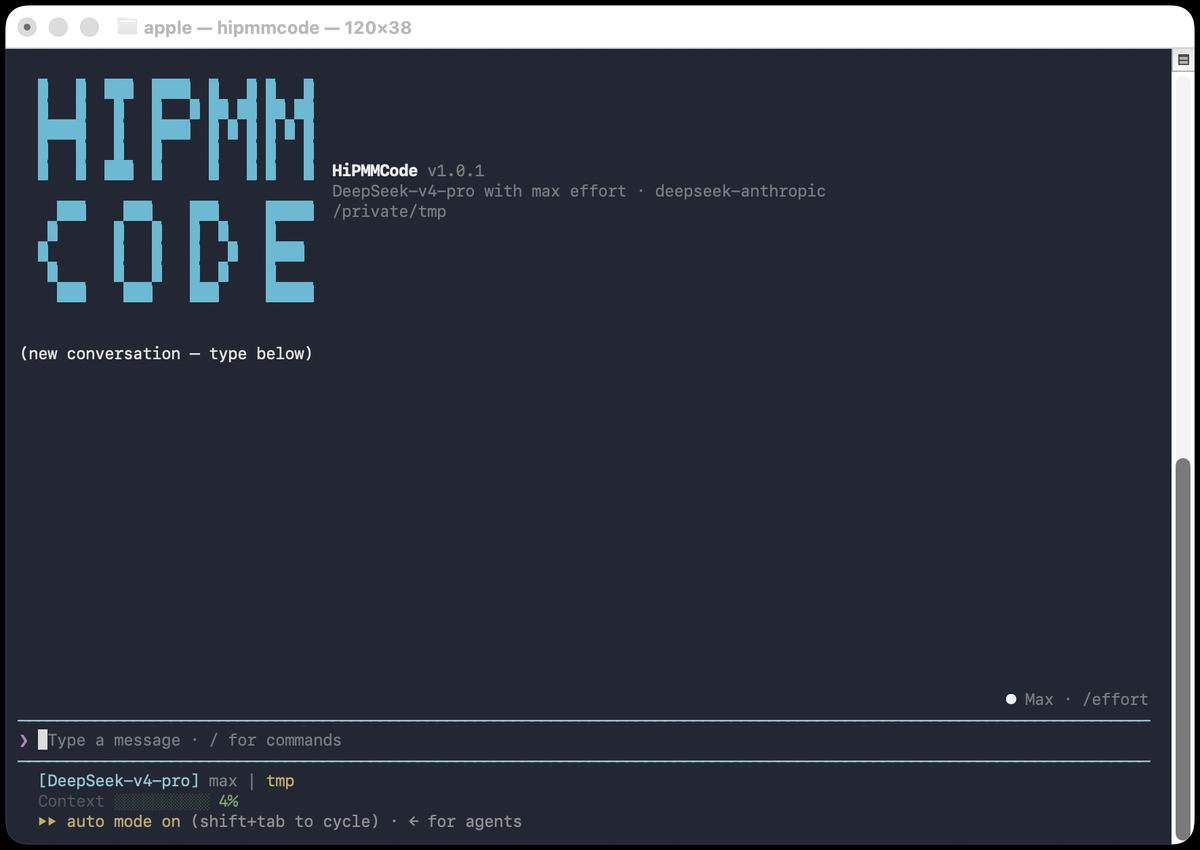
hipmmcode --versionhipmmcode modelhipmmcode
model 是选渠道和填密钥。进去之后才是全屏 TUI。公开仓库只发二进制,源码在私有的 hipmmcode-rust 里。敲下去的命令都叫 hipmmcode。
卡住了
看文档里的安装节。不要在聊天窗口里让另一个模型「教你装」。